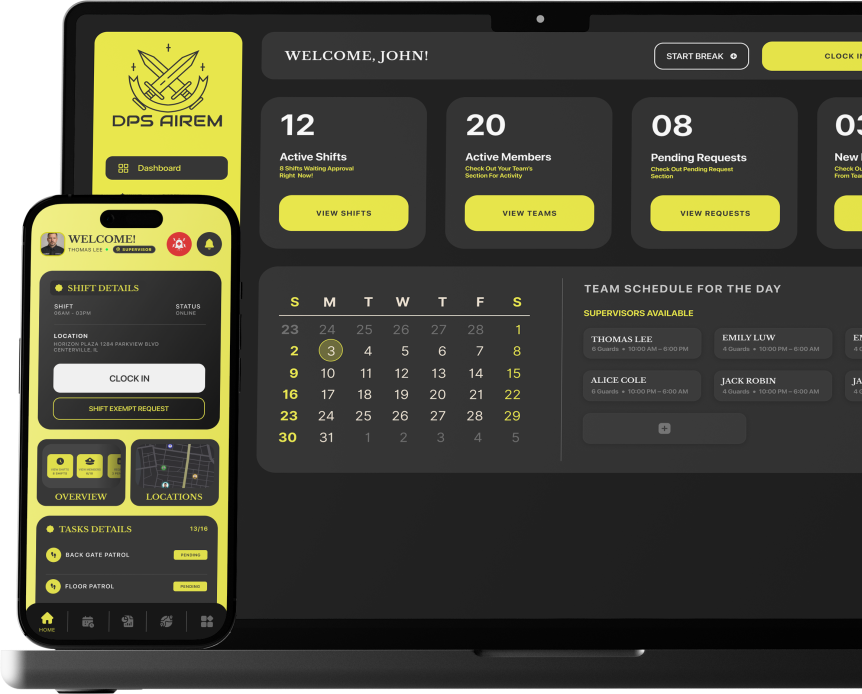
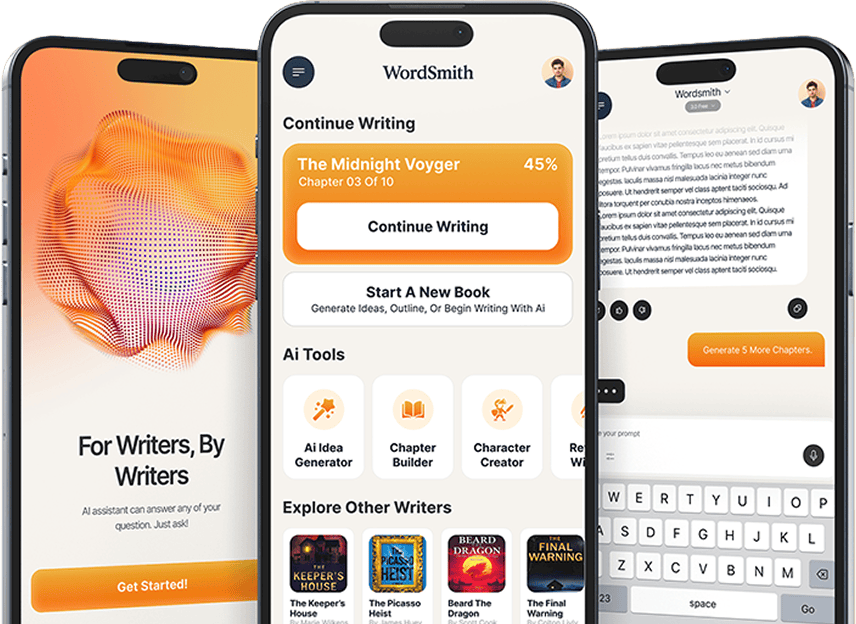
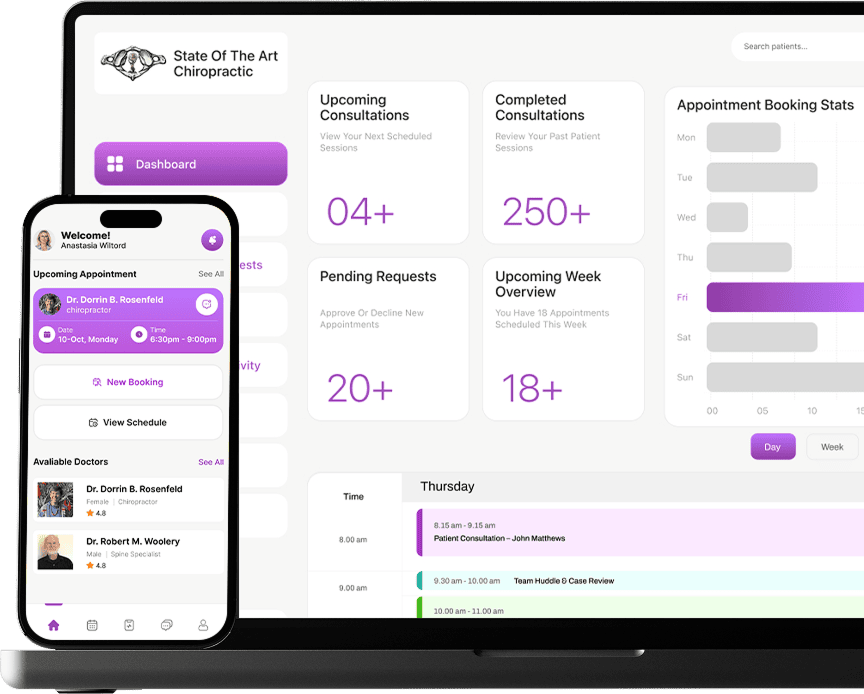
Interactive Prototyping Services

Validate Every Product Decision Before Development Begins

Clickable, high-fidelity prototypes for investor demos, usability testing, stakeholder alignment, and development validation. Built to look, feel, and behave like the real product before development investment is committed.
Clutch Review Badge
Bark Review Badge
Trustpilot Review Badge
150+ Developers
Products Designed
+
8+ Audit-First Every Time
Years Experience
+
99.9% Infrastructure Uptime
100% Client Success Rate
M+
4.7 Clutch Rating
WCAG Accessibility Compliant

Why Products Fail Before They're Even Built

CB Insights found that 42% of startups fail because they build something the market never needed. The Standish Group’s long-running CHAOS research shows that about three in ten software projects succeed outright, with the rest running over budget or missing scope.
A joint study by McKinsey and Oxford found that large IT projects run 45% over budget and deliver 56% less actual value than promised. Those numbers trace back to decisions skipped before development, exactly the gap a Discovery Sprint closes.

Built for Every Stage of the Product Decision

From a rough concept that needs validating to a polished demo that needs to close an investment round. Every prototype is scoped around what it needs to prove, not what it needs to look like.

Low-Fidelity Wireframe Prototypes

Clickable wireframes that validate structure, navigation logic, and user flows before any visual design begins. The fastest and least expensive way to find a broken assumption before it becomes a built screen.

Mid-Fidelity Interactive Prototypes

More detail than a wireframe, less investment than a high-fidelity build. The right level for testing core interactions, validating information architecture decisions, and aligning a team on how something should work before visual design begins.

High-Fidelity Clickable Prototypes

Pixel-accurate, fully interactive prototypes that look, feel, and behave like the real product. Built for situations where the audience needs to experience the product rather than imagine it from a description.

Animated and Micro-interaction Prototypes

Transitions, hover states, loading behaviors, and interaction responses are prototyped in motion before development begins. The decisions made here determine whether the shipped product feels considered or feels generic.

Investor and Stakeholder Demo Prototypes

High-fidelity interactive prototypes built specifically for presentations. Every flow is scripted around the decisions the audience needs to make, every interaction is designed to demonstrate product thinking rather than just product appearance.

Usability Testing Prototypes

Prototypes built to be tested with real users under real conditions. Instrumented for task completion tracking, designed to surface friction rather than hide it, and structured to produce findings the design can act on immediately.

Development Validation Prototypes

Prototypes that answer the questions that development will ask before development asks them. Interaction states, edge cases, error handling, and responsive behavior are documented and validated before engineering begins.

Concept Validation Prototypes

Early-stage prototypes built to test whether a product concept resonates with its intended audience before any design or development investment is committed. The prototype that saves the most money is the one that proves the concept is wrong before the build proves it is wrong.


Your Idea Deserves Better Than Average Execution.

What Our Clients Say About Building With Us

Every successful product starts with alignment between the people building it and the people who need it. These stories reflect the collaboration, trust, and product decisions behind our work.

Clutch Review Badge
Bark Review Badge
Trustpilot Review Badge

Inceptives Digital excels at translating complex, abstract product requirements into high-performance, production-ready software. Their execution is seamless.”

Collis Maddox

Owner/Designer, MaddTech

From initial product strategy to deployment, Inceptives Digital demonstrated exceptional technical discipline. They delivered a highly scalable mobile product ahead of schedule without compromising architectural integrity.

Kirk Flaming

Owner, Pulse Check Timer

Inceptives Digital did not just execute a brief; they aligned perfectly with our operational goals. They engineered a reliable digital ecosystem that completely modernized our workflow.

Dorrin Rosenfeld

DC & Owner, State of the Art Chiropractic

We needed an engineering partner capable of architecting a highly scalable, complex social commerce platform. Inceptives Digital mapped out a precise technical strategy demonstrating deep understanding of data architecture, system performance, and user-centric design.

Gary Dixon

Founder, StakBread

The engineering rigor at Inceptives Digital is outstanding. They managed our complex scope of work with meticulous precision from initial system architecture to the final deployment phases.

Ariel Rodriguez

Founder, Dropryde

OUR WORK
ACROSS INDUSTRIES

Six industry callouts with short copy and links to industry pages. Ordered by relevance to digital product development buyers.

How We Build Prototypes That Answer the Right Questions

A prototype built without a clear question to answer is just a mockup with clickable buttons.

STAGE 01

Brief and Scope

The question the prototype needs to answer is defined before design begins. Who interacts with it, what decisions it informs, and what fidelity level the audience and purpose require.

STAGE 02

Flow Mapping

Every user journey that the prototype needs to cover is mapped before the first screen is designed. What is in scope is confirmed. What is out of scope is documented so it does not create confusion during testing.

STAGE 03

Prototype Build

Built to the fidelity established in the brief. Tool selected based on what the prototype needs to do. Low-fidelity for structure. Mid-fidelity for interaction. High-fidelity for demos and handoff.


STAGE 04

Testing and Iteration

Tested against the question it was built to answer. Real users, stakeholders, or developers, depending on the purpose. Findings documented. Prototype iterated until the question has a clear answer.

STAGE 05

Handoff or Development Transition

Every interaction state, edge case, and animation is documented and handed off so development builds what was tested, not what was assumed.

The Tools Behind Every Prototype We Build

Every tool is selected for a specific reason. The prototype type, the audience, and the fidelity level required determine which one gets used, not habit or preference.
Web
GoDaddy
Uno Platform
Kotlin
Jetpack Compose
Android SDK
Flutter
Dart
React
Expo
Next.js
HTML5
Tailwind CSS
Next.js
NestJS
Express.js
Python
GraphQL
REST API
Spring Framework
Java logo
.NET
FastAPI
Django
PostgreSQL
Cloud Storage
Redis
Firebase
MongoDB
MySQL
Amazon Web Services (AWS)
Google Cloud Platform (GCP)
Microsoft Azure
Docker
Kubernetes
CI/CD Pipeline
Jenkins
DevOps Automation
Terraform
ChatGPT
TensorFlow
PyTorch
Scikit-learn
Hugging Face
PaddlePaddle
Computer Vision
Figma
Adobe XD
Framer
Sketch.IO
Miro
Amplitude
Sentry
New Relic
Firebase Crashlytics
Google Firebase
Mixpanel
Google Analytics
OAuth
GDPR
OWASP
JSON Web Token (JWT)
SSL Certificate

The Product Your Investors See Should Feel Like the Product Your Users Will Use

A prototype built at the right fidelity for the right audience is the difference between a presentation and a proof.

FAQ'S

Questions About Interactive Prototyping Worth Asking Before You Start

What is interactive prototyping?
The process of building a clickable, navigable representation of a digital product before development begins. An interactive prototype simulates how a product looks, behaves, and responds to user input without requiring production code to be written. It is the tool that answers product questions at the stage when answers are cheapest to act on.
A wireframe is a static layout that shows structure and hierarchy without interaction. A prototype is a clickable, navigable artefact that simulates real user flows. A wireframe shows what a product looks like. A prototype shows how it behaves. Both have a place in the design process — the question is which one the current decision requires
A low-fidelity prototype uses rough, unpolished layouts to validate structure and flows. It is fast to build and fast to change. A high-fidelity prototype uses pixel-accurate screens and detailed interactions to simulate the real product experience. Low-fidelity is right for early structural decisions. High-fidelity is right when the audience needs to evaluate the product rather than the concept.
A focused low-fidelity prototype for early concept validation starts from $3,000. A high-fidelity interactive prototype for investor demos or development handoff typically ranges from $8,000 to $25,000, depending on the number of screens, interaction complexity, and animation requirements. The precise scope and cost are defined in the Brief and Scope stage before build begins.
A low-fidelity wireframe prototype takes one to two weeks. A high-fidelity clickable prototype with full interaction states and animation typically takes two to four weeks. The timeline depends on the number of user flows, the fidelity level required, and how many iteration cycles are needed to validate the question the prototype was built to answer.
Yes. A high-fidelity prototype that behaves like the real product is one of the most effective tools in an investor presentation because it gives the audience something to interact with and evaluate rather than something to imagine from a slide. Every flow in an investor demo prototype is scripted around the decisions the audience needs to make, not around a complete product walkthrough.
Not always. A prototype is the right investment when there is a specific question about user behavior, interaction logic, or product concept that development cannot answer without building first. If the design is validated, the flows are confirmed, and the development team has a clear specification, a prototype may not be necessary. The Brief and Scope stage determines whether prototyping is the right next step for your specific situation.
A validated prototype transitions into a development handoff through annotated Figma files, component specifications, interaction documentation, and animation exports. Every interaction state, edge case, and responsive behavior is documented so the development team builds what was tested rather than what was assumed. For prototypes built in Framer, the React component structure can transition directly into the development codebase.